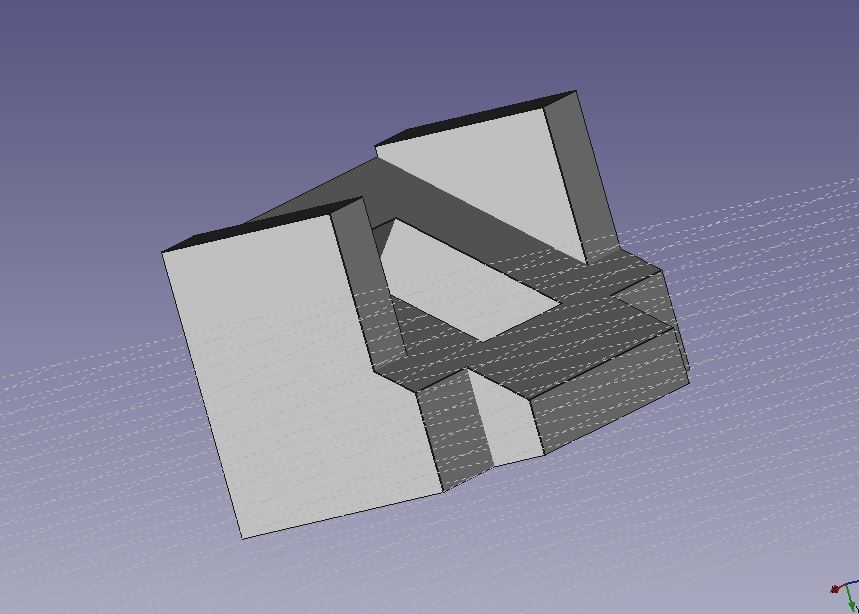
I deeply apologize for not having this picture in the same angle as the example finished product. I literally tried for 20 minutes with the touch pad on my laptop to get the object as centered as possible and this was the best shot i could get. I really don’t know why it was giving me such a hard time to figure it out, I went on YouTube and even tried connecting a mouse to my laptop but this was the best shot I could get. Followed the tutorial and was very helpful for the next two objects in learning the basic functions of how FREEcad works.

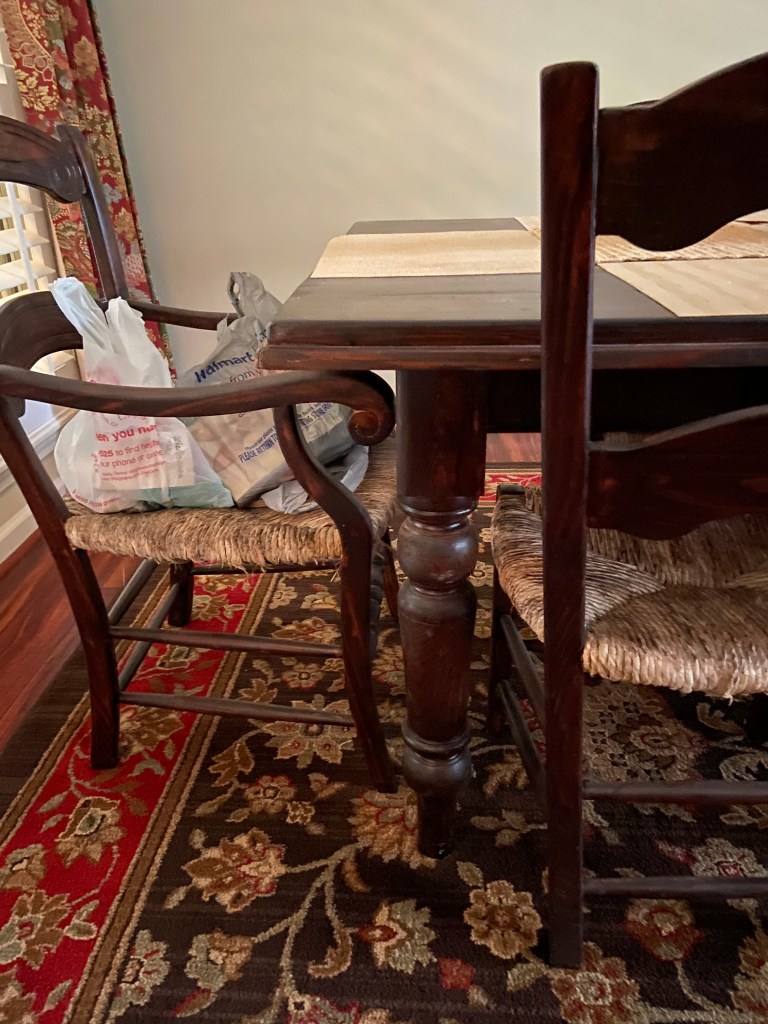
Here is the object I plan on using for the table I do my homework on while I am home for the semester. I calculated the measurements with a tailor measuring tape on the curvature of the corner of the table. Following the tutorial you posted, I created this object with the appropriate measurements for my specific table.

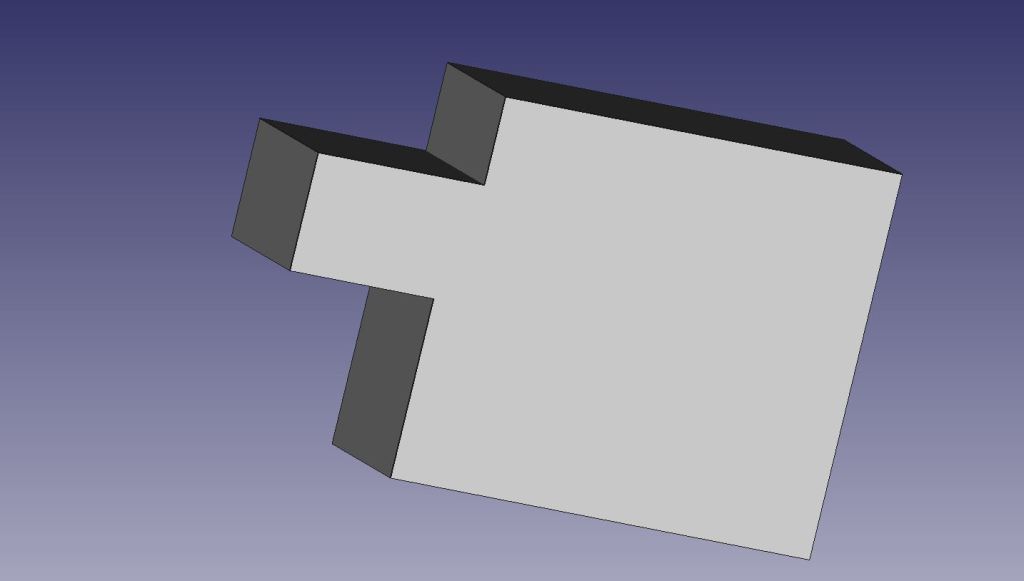
For object 3 A and object 3 B, I chose to keep things simple and make two puzzle pieces as when these are combined, they can be held at any angle and not fall apart. I also do not feel very confident with my FREEcad skills and I am proud of what I was able to accomplish.
 Evan's Blog